AI Smartboard Ayer Molek: A 75-Inch Upgrade for KPM
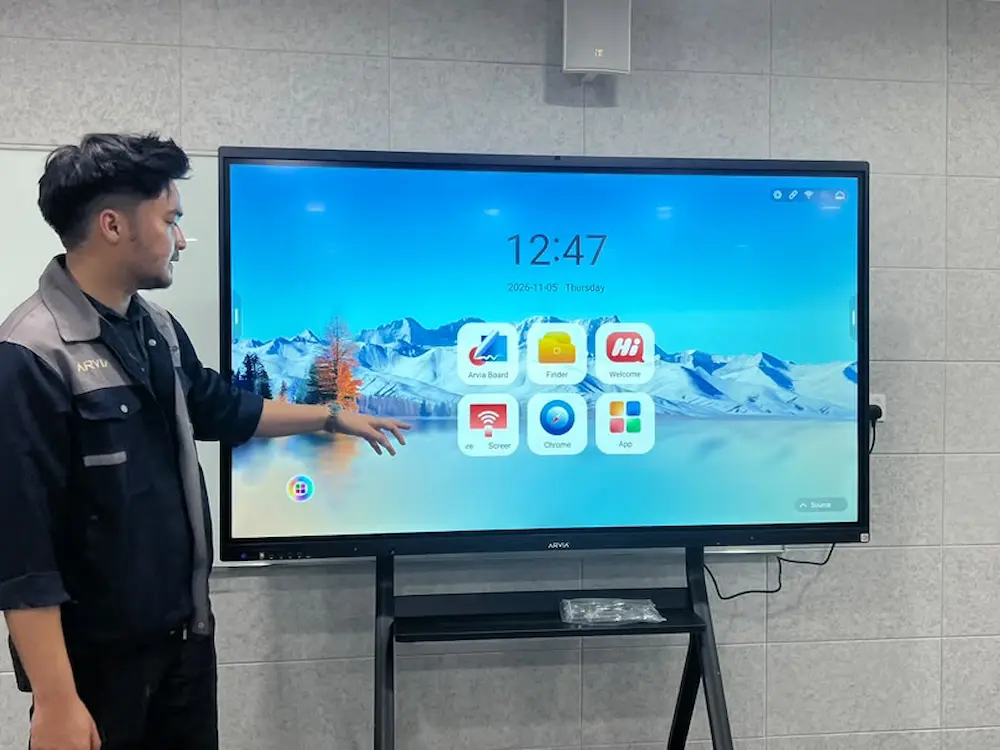
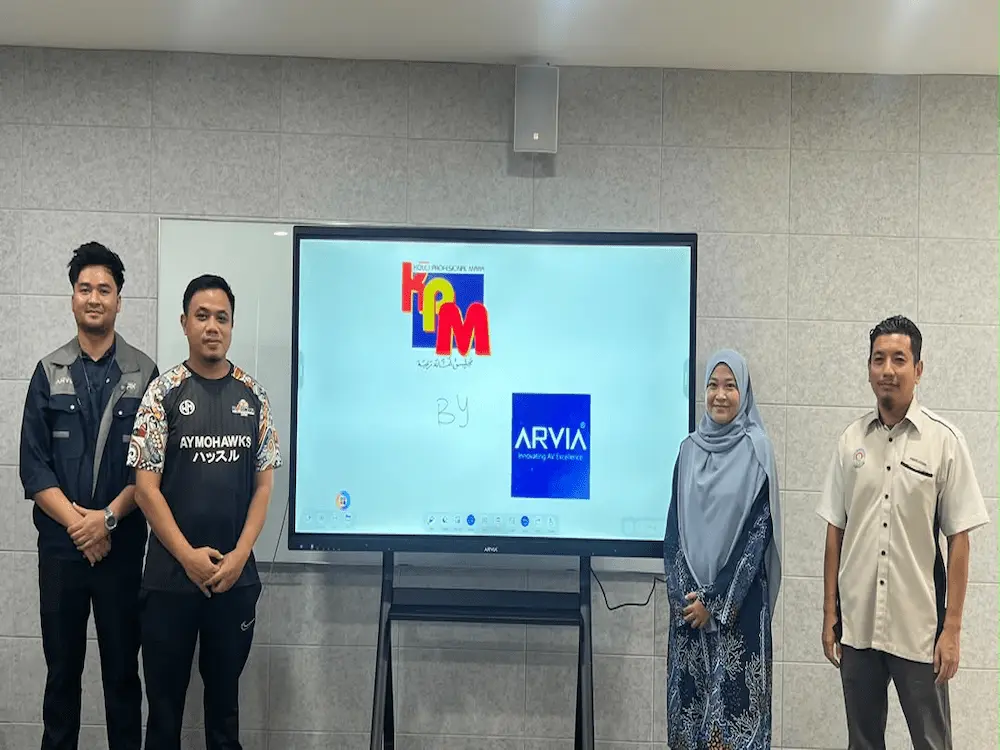
On 6 November 2026, Israk Solutions supported the delivery of an AI smartboard Ayer Molek installation to Kolej Profesional MARA (KPM) Ayer Molek, giving lecturers and students a more interactive way to teach, learn and present.
Client: Kolej Profesional MARA Ayer Molek
Location: Ayer Molek, Malaysia
Solution Supplied: 75-Inch AI Smartboard (ArviaBoard, Arvia hardware), 1 Unit
Smooth, Convenient Teaching and Learning
This AI smartboard Ayer Molek installation is built around ArviaBoard, which lecturers at KPM Ayer Molek have found smooth and convenient for everyday teaching and learning (PdP). Instead of switching between a projector, laptop and separate presentation remote, a lesson can run entirely from one touch display.
For a professional college offering technical and vocational programmes, having reliable, easy-to-use technology in the classroom matters just as much as having powerful features, and ArviaBoard is designed so lecturers can pick it up quickly without a steep learning curve.
AI-Powered Learning: Search, Drag-and-Drop and Instant Answers
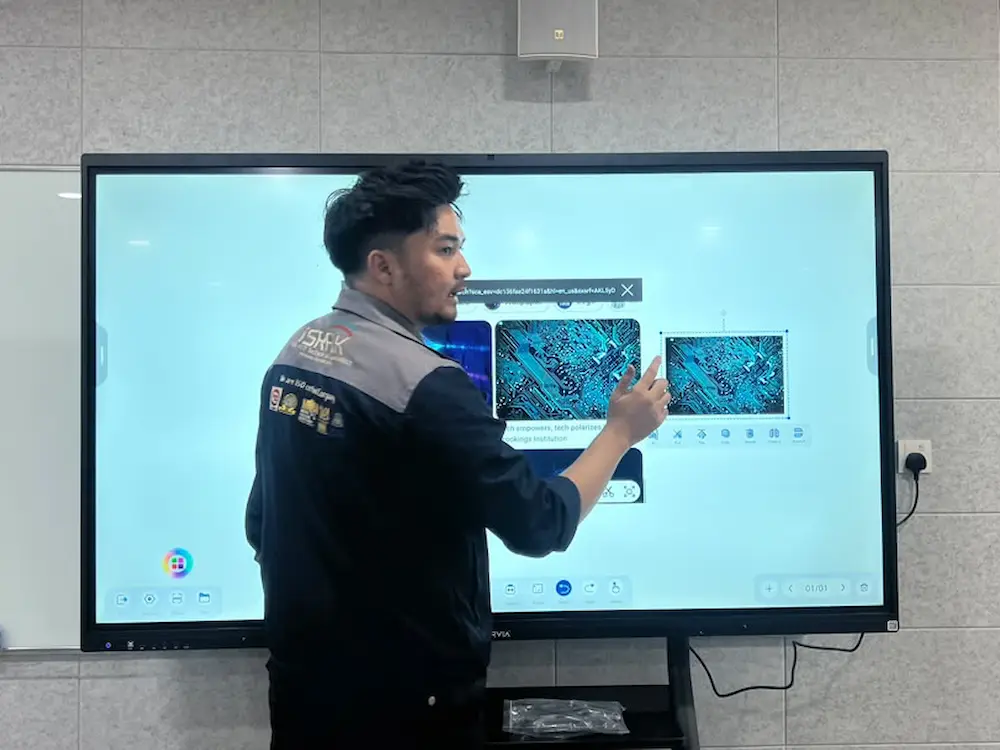
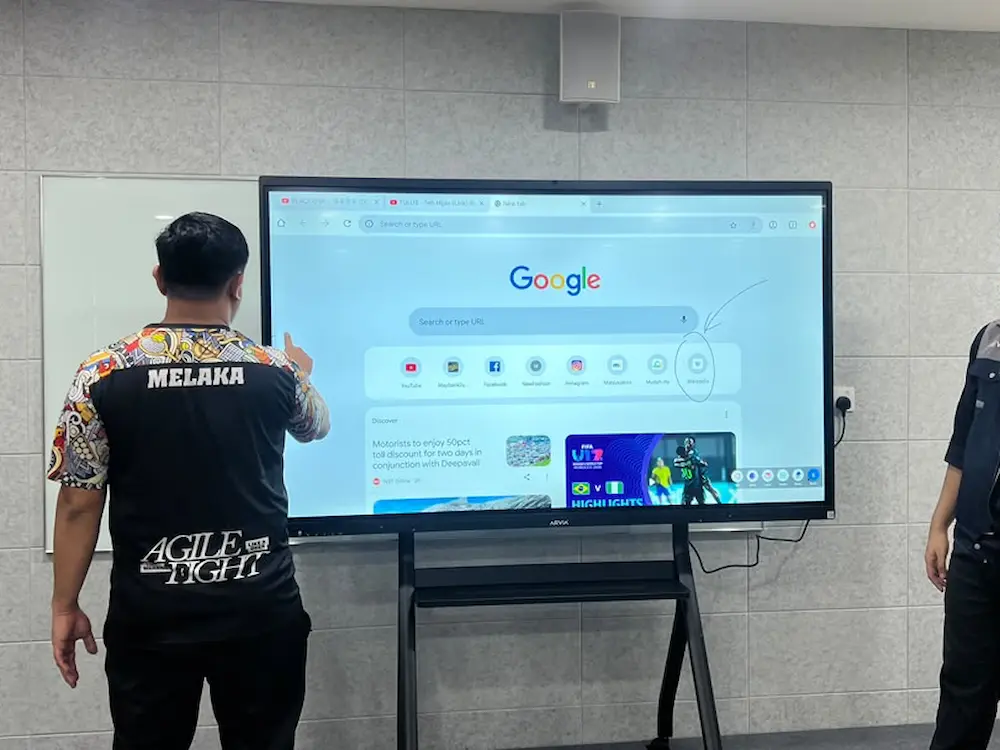
ArviaBoard lets lecturers pull out keywords during a lesson, search for a relevant image using Google, and drag and drop it straight into the lesson instantly, all built directly into the AI smartboard Ayer Molek unit. If a student asks a question mid-class, the AI can help point towards an answer and direct the search to Google without the lesson needing to pause.
For students at KPM Ayer Molek, this makes learning feel more responsive, a question that comes up in the moment can be explored right away instead of being left for later.
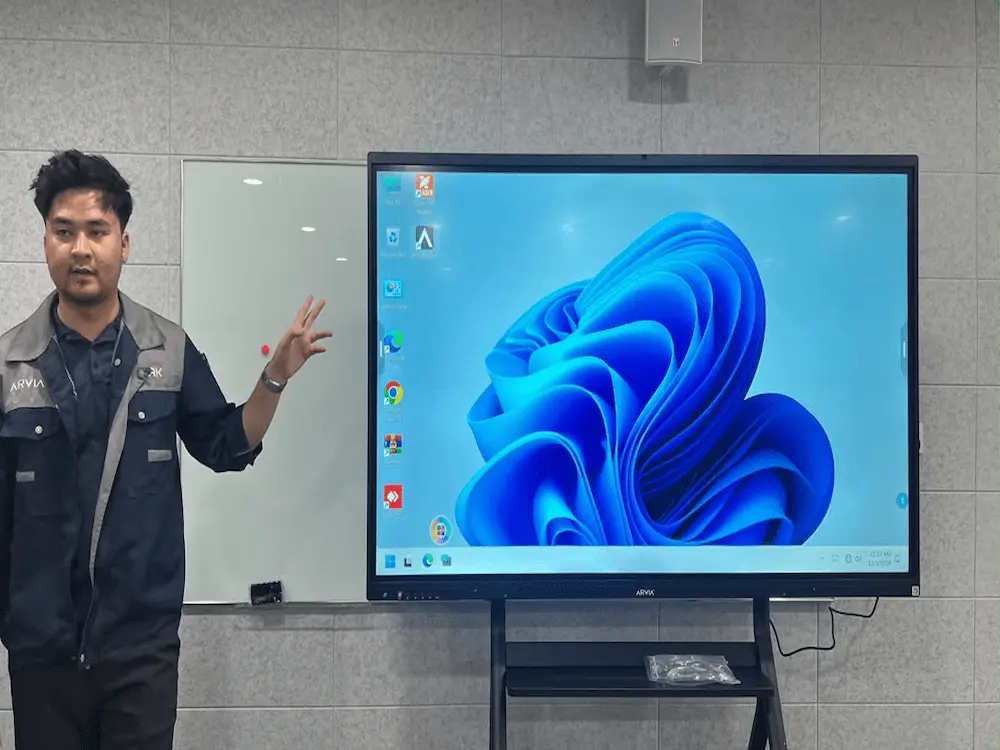
Dual OS: Android and Windows in One Board
The AI smartboard Ayer Molek unit runs on dual OS, with both Android and Windows available on the same board. Switching to Windows mode works just like a laptop, except everything happens directly on the smartboard’s touchscreen.
For a technical and vocational college, that means software like AutoCAD or any web-based browser can run fully on the Windows side, with touchscreen interaction throughout. Lecturers in technical programmes can demonstrate drafting, design or software-based coursework directly on the board, instead of relying on a separate computer and projector setup.
OCR Support for Arabic, Korean, Japanese and More
ArviaBoard’s built-in OCR feature supports several languages, including Arabic, Korean and Japanese, converting handwritten or typed text into clearer, more legible text on screen. For lessons that touch on different languages or scripts, that makes material easier for students to read and follow.
Hybrid Meetings Made Easier for Staff
Beyond the classroom, ArviaBoard’s built-in camera with automatic voice tracking also supports staff meetings at KPM Ayer Molek. As different staff speak during a discussion, the camera follows the conversation automatically, which is useful for hybrid meetings where some staff may join remotely.
Instant File Transfer and Wireless Screen Sharing for Student Presentations
Files, photos and videos can be sent directly to the AI smartboard Ayer Molek unit instantly, without cables. When it is time for a student presentation, several devices can also connect wirelessly for screen sharing, so each student can show their own work without waiting to plug in or swap cables between turns.
Key Features at a Glance
This AI smartboard Ayer Molek deployment brings together several features KPM now relies on:
- AI-assisted search and drag-and-drop images, built directly into the board
- Dual Android and Windows OS, with full touchscreen support for AutoCAD and browser use
- OCR support for Arabic, Korean, Japanese and other languages
- Built-in camera with automatic voice tracking for hybrid staff meetings
- Instant file transfer for photos, videos and documents, no cables needed
- Wireless screen sharing from multiple devices for student presentations
What This Means for KPM Ayer Molek
An AI smartboard Ayer Molek installation gives KPM’s lecturers and students one display that handles teaching, technical software demonstrations, presentations and staff meetings without switching between different pieces of equipment. For a college running technical and vocational programmes, that matters when a single room might need to support a design class one hour and a general lecture the next.
The dual OS setup in particular gives KPM’s technical lecturers a way to bring laptop-grade software like AutoCAD directly into the classroom on a large touchscreen, which can make demonstrations clearer for a whole class to follow compared to a single laptop screen.
Over time, this gives KPM Ayer Molek one board that already covers teaching, technical demonstrations, staff meetings and multilingual content, instead of relying on separate, older equipment for each purpose.
Delivered by Israk Solutions
Israk Solutions and sister brand Arvia installed the smartboard on site at KPM Ayer Molek and walked lecturers through its search, dual OS, OCR, camera and file sharing features, so staff could start using the board confidently from their very next lesson.
This reflects how Israk Solutions approaches every education deployment: the technology should be ready to support lecturers and students from day one, without a long learning curve standing in the way. Israk Solutions also remains the point of contact after installation, so if a question comes up while using any of the board’s features in future, support is only a message away. More on KPM Ayer Molek can be found on the MQA register and on its official Facebook page.
Explore Related Israk Solutions Services
Institutions considering a similar upgrade can explore Israk Solutions’ full range of technology solutions, or see other deployments on Israk Solutions’ completed projects page.
Bring an AI Smartboard to Your Institution
Talk to Israk Solutions about a smartboard built for teaching, technical demonstrations and staff meetings.
Image Gallery
About Our Solution
The AI smartboard unit at KPM Ayer Molek, powered by sister brand Arvia’s ArviaBoard hardware, features drag-and-drop Google image search built directly into the board, dual Android and Windows OS so staff can run AutoCAD or any Windows-based software on the touchscreen, OCR support for Arabic, Korean, Japanese and other languages, a built-in auto voice-tracking camera for hybrid meetings, and instant file transfer plus wireless multi-device screen sharing for student presentations.