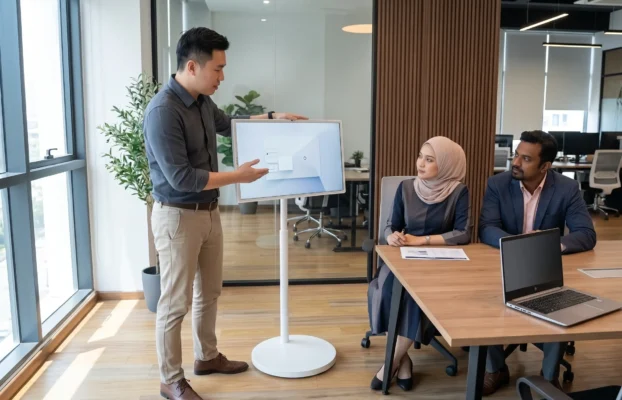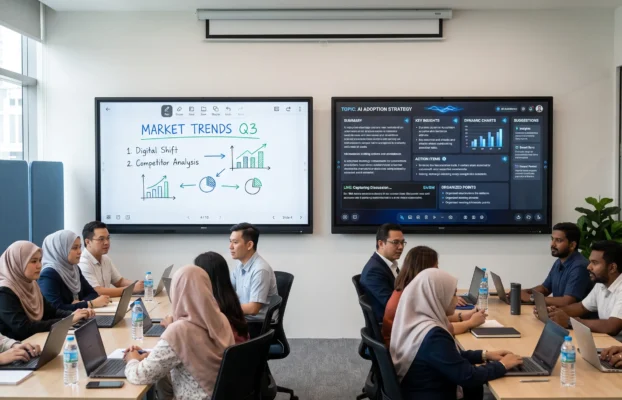
Masjid Digital Malaysia refers to the practical use of digital technology to support religious learning, mosque communication, committee management and community programmes. The objective is not to replace traditional mosque activities. Instead, suitable technology helps mosque committees present information clearly, manage programmes efficiently and create a more accessible learning environment for the congregation.
A Masjid Digital Malaysia plan can begin with one useful solution and expand gradually. A small lecture room may only need an interactive smartboard, while a larger mosque may benefit from digital signage, an information kiosk, portable Quran learning displays and hybrid broadcasting equipment. The right setup depends on the mosque’s space, activities, audience and available budget.
What Is Masjid Digital Malaysia?
A mosque is a place of worship, learning and community gathering. Digitalisation supports these functions by making information easier to share and educational content easier to present. Masjid Digital Malaysia is therefore broader than installing a television or projector. It involves selecting practical tools that support kuliah, Quran classes, committee meetings, public announcements and community services.
The technology should remain simple for mosque officers, teachers and volunteers to operate. It should also suit Malaysian Islamic environments, where activities may involve children, adults, senior citizens and visitors from the surrounding community.
7 Essential Technologies for Masjid Digital Malaysia
1. Interactive Smartboard for Kuliah and Meetings
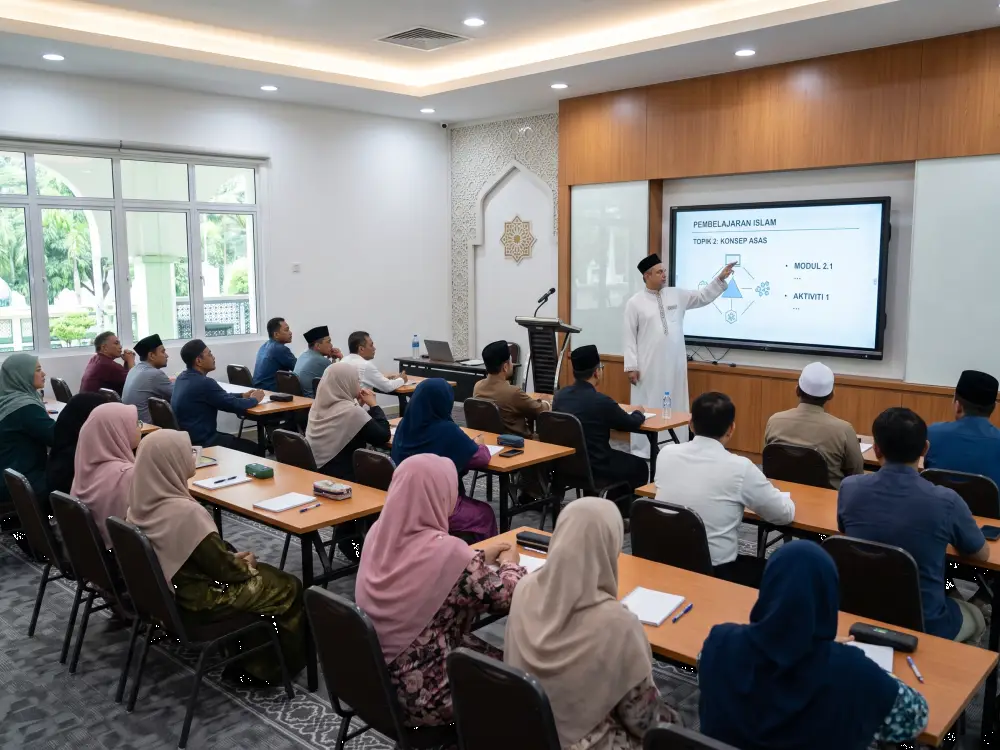
An interactive smartboard can become the main teaching display in a mosque lecture room or meeting space. An ustaz can present slides, open reference materials, write notes directly on the screen and highlight important points during a class. The same screen can support committee meetings, programme planning, budget discussions and volunteer training.
Unlike a conventional projector, the presenter can control content through touch without moving repeatedly between a laptop, whiteboard and remote control. Mosque committees can explore Israk smartboard solutions for educational and meeting environments.
2. Digital Signage for Mosque Announcements
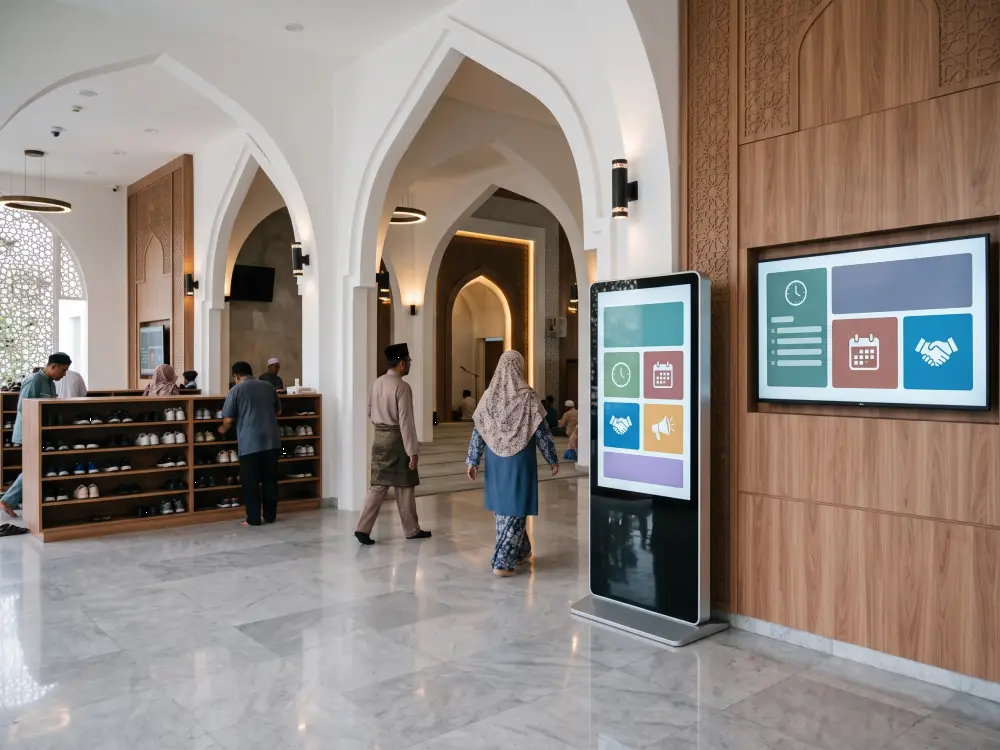
Digital signage helps a mosque display updated information in a clear and consistent format. Content may include prayer schedules, weekly kuliah, Ramadan programmes, donation campaigns, funeral notices, community activities and important reminders. Screens can be placed near the entrance, office, lobby or main congregation area.
Instead of printing a new poster whenever information changes, authorised staff can update content digitally. This is especially useful for mosques that organise regular events or manage several displays. Learn more about digital signage solutions for organised content communication.
3. Digital Standee and Information Kiosk
A vertical digital standee is useful for welcome messages, programme promotions and important notices. An interactive information kiosk provides additional functionality by allowing visitors to explore information through touch. The kiosk can present a mosque directory, facility information, activity registration, class schedules, donation details and frequently asked questions.
It may also display QR codes that connect visitors to online forms, payment platforms or official mosque channels. For a Masjid Digital Malaysia initiative, an interactive kiosk can be particularly useful in large mosques, Islamic centres and community complexes.
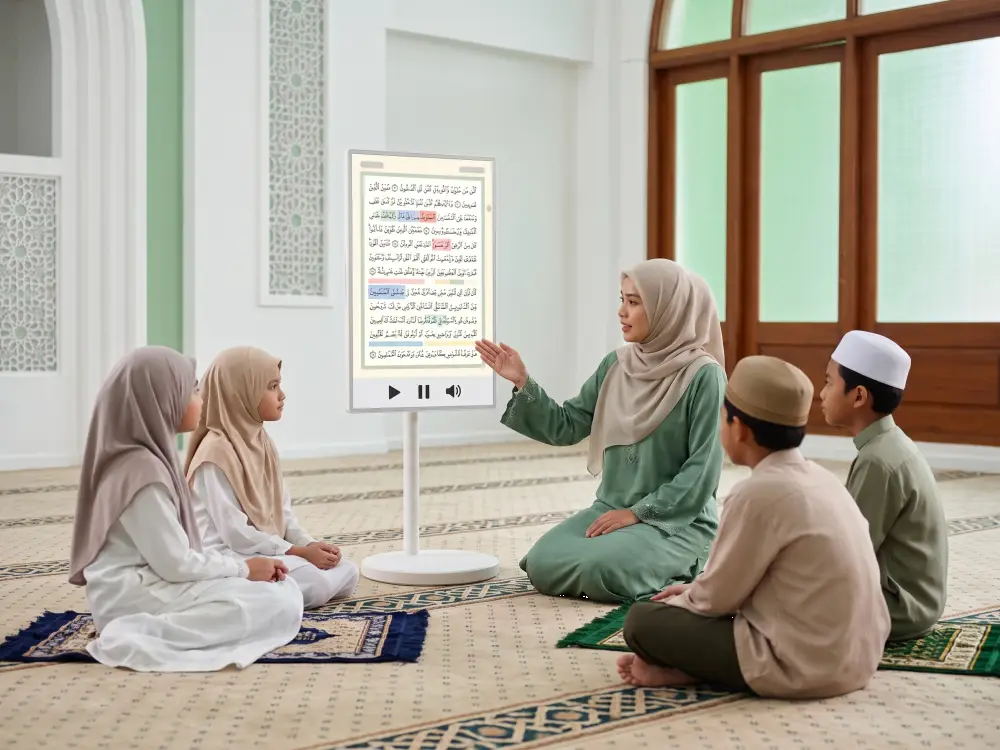
4. FlipTouch for Digital Mushaf and Quran Classes
A portable touchscreen display gives religious teachers more flexibility during Quran and tajwid classes. The screen can be moved between a lecture room, classroom, multipurpose area or meeting room according to the programme schedule.
Teachers can enlarge learning materials, show tajwid colour guides, play audio references and explain content to a group without depending entirely on printed handouts. A portable solution such as FlipTouch can support digital mushaf activities while preserving the respectful and guided nature of Quran learning.
5. Video Conferencing for Hybrid Kuliah
Hybrid learning allows people outside the mosque to join a lecture or discussion remotely. A suitable setup may include a camera, microphone, speaker and display connected to a video conferencing platform. This is useful when a guest speaker cannot attend physically or when a programme needs to reach community members who are unable to be present.
6. Wireless Audio and Microphone System
Clear audio is essential for lectures, meetings and community programmes. A wireless microphone allows speakers to move naturally while ensuring participants can hear clearly. Audio planning should consider room size, echo, speaker placement and the number of presenters. A small meeting room may need a compact setup, while a multipurpose hall may require several microphones and proper sound distribution.
7. Centralised Digital Content Management
As a mosque adds more screens, managing content individually can become time-consuming. A centralised content management system allows authorised users to organise, schedule and update information from one platform. The entrance display, lecture-room smartboard and vertical standee can each show relevant content at the correct time.
Centralised management strengthens a Masjid Digital Malaysia workflow by reducing repeated manual updates and dependence on one person carrying files from screen to screen.
Where Can Digital Technology Be Used in a Mosque?
Digital technology can be deployed in several areas without changing the spiritual character of the mosque. A lecture room can use a smartboard for teaching. The entrance foyer can use digital signage for announcements. A meeting room can support committee discussions and remote calls. A multipurpose hall can use portable displays and audio equipment for workshops, youth activities and community programmes.
The best placement is based on actual usage rather than appearance alone. Each device should solve a clear communication, learning or operational need.
How Should a Mosque Begin Its Digitalisation Plan?
Begin by identifying the mosque’s most frequent activities and current requirements. The committee should review room sizes, expected audience numbers, the type of content presented and who will operate the equipment.
- Prioritise the area with the clearest immediate need.
- Choose equipment that volunteers can operate confidently.
- Consider installation, training, warranty and technical support.
- Plan for future expansion without purchasing unnecessary equipment.
A mosque that runs regular classes may begin with an interactive smartboard. A mosque with frequent announcements may prioritise digital signage. A mosque that conducts Quran lessons in several rooms may benefit from a portable touchscreen display. A site assessment can help determine suitable screen sizes, mounting positions, cable routes and audio requirements.
Israk’s Digital Solutions for Mosques in Malaysia
Israk Solutions supports mosque digitalisation through interactive smartboards, digital signage, information kiosks, portable touchscreen displays and audio-visual solutions. Previous projects show how these tools can support religious education, committee meetings and community communication.
Examples include an AI smartboard and portable display deployment at Masjid Jamek Al-Ikhwan, an interactive smartboard solution for Masjid Taman Temerloh Jaya, and digital signage for Masjid Seksyen 7.
The right Masjid Digital Malaysia solution does not need to be excessive. It should be practical, manageable and aligned with the mosque’s programmes. A phased approach allows the committee to improve one priority area first and add other technologies when needed.
Frequently Asked Questions
What is a digital mosque?
A digital mosque uses practical technology to support learning, communication, administration and community programmes. It may include smartboards, digital signage, kiosks, portable displays, audio systems and hybrid conferencing equipment.
Does every mosque need all seven technologies?
No. Each mosque should choose solutions based on its activities, room size, audience and budget. A smaller mosque may begin with one smartboard or digital signage screen and expand later.
Can existing mosque equipment be upgraded?
In many cases, existing displays, audio systems or network connections may be integrated with newer equipment, depending on compatibility and site conditions. A site assessment is recommended before confirming the setup.
Is training required for mosque staff?
Basic training is important so committee members, teachers and volunteers can operate the equipment confidently. The system should also be configured with a simple workflow for daily use.
Plan a Practical Digital Upgrade for Your Mosque
Discuss your space, programmes and preferred solutions with the Israk team.
Final Thoughts
Masjid Digital Malaysia is about using technology with purpose. A well-planned solution can make religious learning more engaging, announcements more organised and mosque programmes more accessible to the community.
The most effective digitalisation plan begins with a real need, suitable equipment and clear responsibility for content management. With the right guidance, a mosque can adopt technology gradually while maintaining a respectful, welcoming and community-focused environment.